



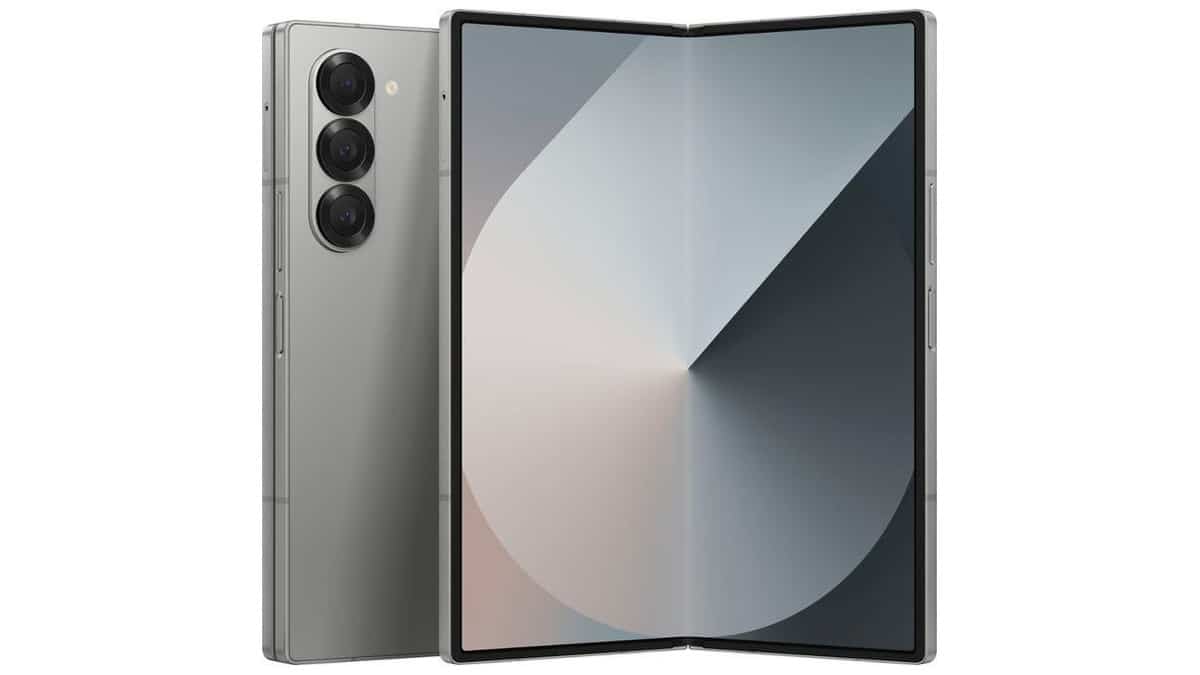
Samsung plans to release the Galaxy Z Fold6 One UI 8.5 beta update in the coming days. Initially, the update was limited to the Galaxy S25 series, but expansion to other phones is imminent, as plans have been spotted with a new beta group open for the device, including the Galaxy S24 series.
While we have yet to see the build, a changelog has now leaked showing us what to expect. It is quite a big one, but mostly an improvement to the existing features. According to reports, the first Galaxy Z Fold6 One UI 8.5 update is expected to arrive with a firmware version of F956BXXU3ZZCD. Below is the complete changelog.
Galaxy Z Fold6 One UI 8.5 update changelog
Galaxy AI
Continuous image generation
Keep creating without stopping. Photo Assist now lets you generate AI images using different Photo assist features without saving each iteration. When you’re done, you can review all your creations in your history and pick your favorites.Bixby
Smarter device control
Talk to Bixby in your own words. Bixby is now better at finding the setting or feature you need, even if you don’t use exact commands or feature names. Just say what you need and let Bixby do the rest.Ask anything, anytime
Whether you need a quick answer or detailed information, just ask Bixby for an instant response. There’s no need to spend time on multiple searches or switching between apps.Conversation history
Looking back at past conversations with Bixby is easier than ever. You can now access your conversation history from the side panel in the Bixby app.Connectivity
Storage share
Access your files anywhere. Files from your other Samsung phones, tablets, and PCs are available in the My Files app on your phone. You can also access your phone’s files on other Samsung devices, even your TV.Quickly connect to Smart View devices
Connect to your favorite display faster. You can now add a shortcut on your Home screen to instantly mirror your phone’s screen to a TV or other display device.Advertisement
Enhanced Auracast features
It’s easier than ever to listen to and broadcast sound with Auracast. Options for both broadcasting and listening are now located in the Audio broadcast menu in Settings.Quick Share
Avoid unwanted sharing requests
You can now set Quick Share to only receive files from other devices signed in to your Samsung account or Google account.Photo sharing suggestions
Share photos with the right people faster. When you share pictures that include friends or family, Quick Share can recognize who’s in them and suggest sharing directly with those people.Home and Lock screens
Automatic Lock screen layout
Wallpapers with pictures of people or pets now fit perfectly every time. When you choose a photo for your Lock screen, the layout adjusts automatically so the clock and widgets don’t cover important parts of the picture.More customizable clock fonts
Personalize your Lock screen clock. You can now adjust the thickness of more font styles to match your preferred look.Weather
Enhanced weather widget
Quickly check upcoming precipitation in the Weather widget on your Home screen. The widget now shows a graph if precipitation is expected in the next few hours.Pollen index
Check how much pollen is in the air to help manage your allergies. You can check pollen levels for trees, grass, and ragweed.Clock
Weather alarm backgrounds
Wake up to an alarm that gets you ready for the day’s weather. Your alarm screen can now show the current weather conditions as a background when it rings.Time zone converter
Compare time zones at a glance. The new slider in the Clock app makes it easy to check the time difference between places around the world.Samsung Health
Enhanced weekly reports
See a fuller picture of your health each week. Weekly reports now include data from your medication tracker and mindfulness sessions.Upgraded Sharing Experience
Share your workouts your way. Mix and match your exercise stats with photos from your workout to create the perfect social media post.Start meditations from your watch
Find calm right from your wrist. You can now start favorite or recommended meditations directly on your Galaxy Watch without picking up your phone.Antioxidant measurements from your watch
Check your antioxidant levels anytime. Measure directly from your Galaxy Watch, even if it’s not connected to your phone. Works with Galaxy Watch8 and Galaxy Watch Ultra.Security and Privacy
Theft protection
Keep your phone and data safe in case it is lost or stolen. Turn on Failed authentication lock to automatically lock the screen in case there are too many failed attempts to verify your identity using your fingerprints, PIN, pattern, or password. Identity check also protects even more settings than before.Turn off Auto blocker temporarily
If you need to temporarily disable Auto blocker’s security protection, a new option lets you turn it on automatically 30 minutes later so you don’t forget.Battery and power
Revamped battery info
See your battery use more clearly. The redesigned Battery settings screen makes it easier to check remaining time, charging status, and daily usage over the past week.Improved Power saving
Use Power saving to make your battery last longer without charging. Choose Standard for moderate savings and customizable limits, or choose Maximum to turn off all non-essential features and make your battery last as long as possible.Accessibility
Easily control Bluetooth hearing aids
Access settings for your Bluetooth hearing aids directly from the Accessibility shortcut. A pop-up will appear that lets you change your hearing program, turn Ambient sound on or off, and more.Control magnification with mouse or keyboard
Keep what you need magnified in view with these new options. You can make the magnified area follow the cursor as you type or move when you change focus using the keyboard. When using a mouse, you can make the magnified area shift as you move the pointer to the edge of the screen.Dwell action and Corner actions
The Auto action after pointer stops feature has been divided into 2 features. Dwell action lets you set custom actions when your mouse stops moving for a certain amount of time. Corner actions let you set a different action for each corner of the screen.Even more improvements
Direct voicemail
Can’t answer right now? Let callers record a voice message directly on your phone that you can listen to later. The message will appear on your screen as it’s being recorded so you can answer at any time.More customizable quick panel
Arrange your quick settings just the way you like them. You can now add, remove, reorder, and reorganize controls in the quick panel.Early alerts for reminders
Get alerts before reminders are due to make sure you don’t forget important tasks. You can choose how far in advance to get an alert for each reminder.Partial screen recording
Include only what you need in your screen recordings. You can now select only the part of the screen that you want to record.Calculator nudges
Save time on calculations. Numbers and formulas copied to your clipboard will be suggested when you open Calculator so you can enter them with a quick tap.Keep window sizes in DeX
DeX now remembers your app window sizes and positions. When you open an app again, it appears just as you left it.
With the Galaxy Z Fold6 One UI 8.5 changelog now available, it won’t be long before the update starts rolling out. Hopefully, we will get the first beta build this month and the stable version after a few beta releases
leases.
via: SamMobile
