



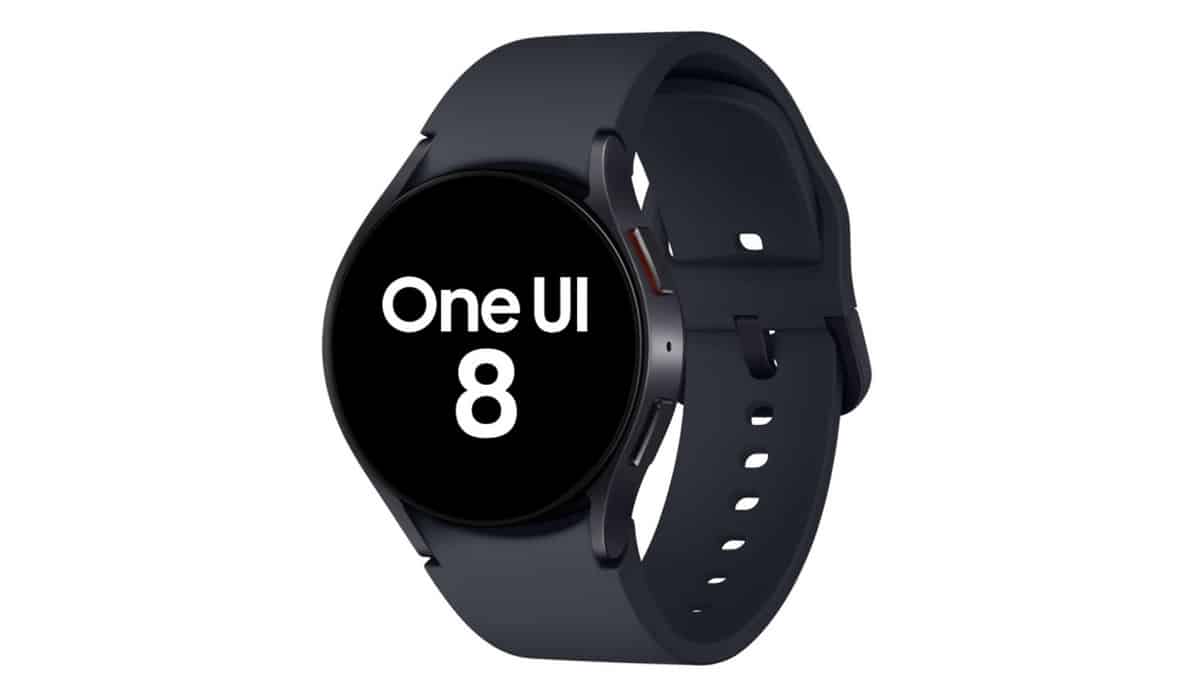
The long wait is finally over. Samsung has started rolling out the One UI 8 Watch update for the Galaxy Watch 4 and Galaxy Watch 4 Classic. As expected, the rollout is currently limited to select regions and devices, with a wider expansion planned in the coming days.
At the moment, Samsung has restricted the update to South Korea. The rollout began a few hours ago and will gradually reach all eligible units over the next few weeks.
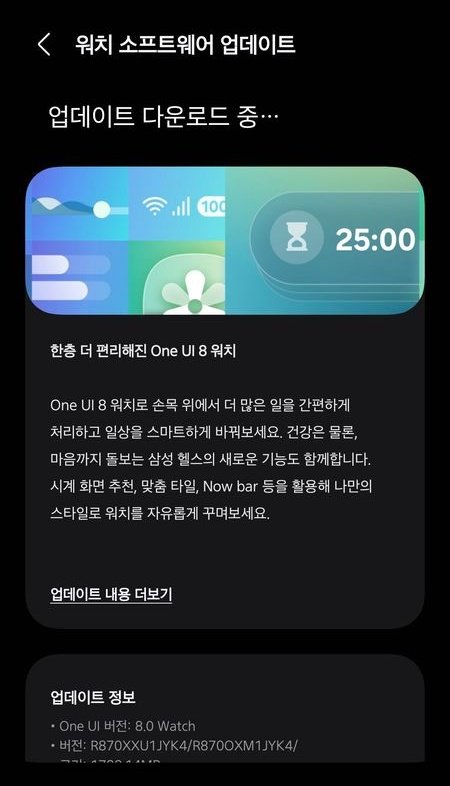
Galaxy Watch 4 One UI 8 Watch Update Details
Samsung is releasing the update with the following firmware versions:
Galaxy Watch 4 (Wi-Fi): R870XXU1JYK4
Galaxy Watch 4 Classic (Wi-Fi): R880XXU1JYK4
The update weighs approximately 1GB and includes new features, visual improvements, system optimizations, and bug fixes. Samsung has not yet confirmed when the LTE/cellular variants will receive the One UI 8 Watch update.
What’s New in One UI 8 Watch for Galaxy Watch 4
Similar to the One UI 8 update on smartphones, the watch update introduces several noticeable enhancements:
- Support for multiple widgets on Tiles pages
- New watch faces and complications
- Introduction of the Now Bar for live activities
- Double Pinch gesture support
- Live activity display for music playback and workouts
- New battery charging animation
- Improved notification view with stacked notifications
- A redesigned and easier way to browse and find watch faces
- Samsung Health also receives major improvements, offering additional features and a refined user experience.
- In addition, the app drawer has been revamped with:
- An alphabetically sorted list view
- A new grid-based layout option
How to Install One UI 8 Watch on Galaxy Watch 4
If you live in South Korea and own a Galaxy Watch 4 or Watch 4 Classic, you can install the update by following these steps:
- Open the Galaxy Wearable app on your paired Galaxy smartphone
- Go to Watch Settings
- Tap Watch software update
- Select Download and install
- After the download is complete, tap Install
Your smartwatch will reboot automatically once the installation process is finished.
Samsung is expected to expand the One UI 8 Watch rollout to more regions and models in the coming weeks. Stay tuned for further updates.
source: SamMobile
