



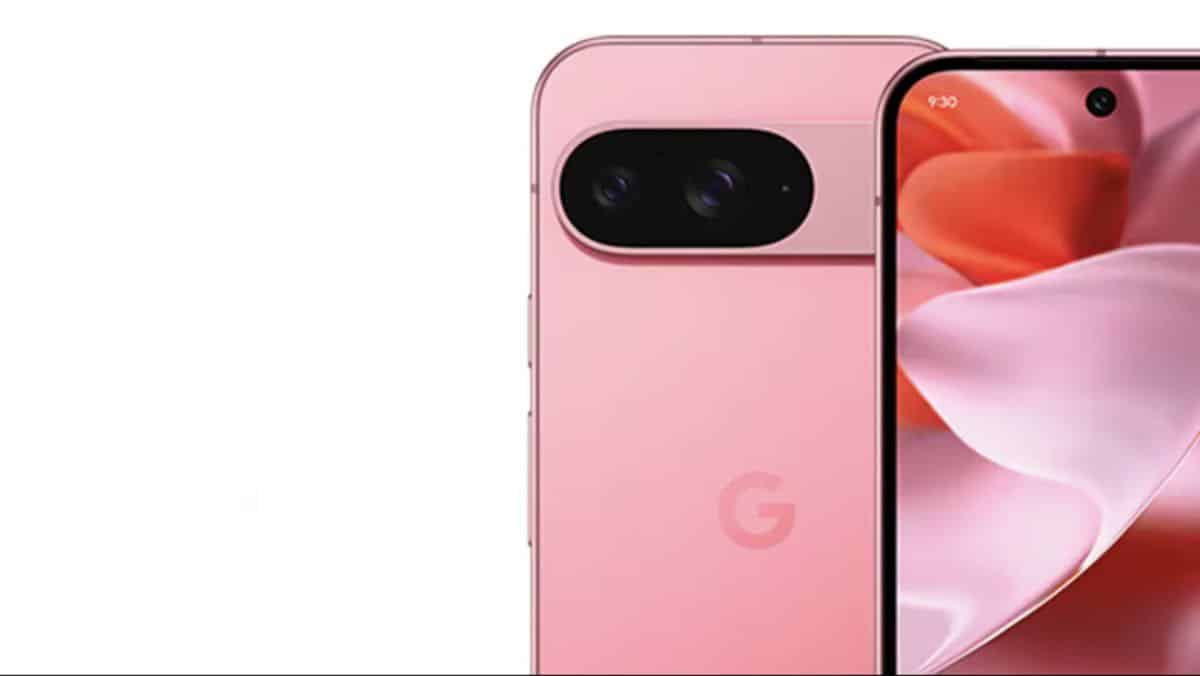
After weeks of beta testing, Google has officially started rolling out the stable version of Android 16 QPR3. The update arrives with the March 2026 security patch and a number of interface improvements, performance optimizations, and new features for eligible Pixel smartphones and tablets.
The rollout is happening globally and is now available for supported devices, starting from the Pixel 6 series up to the latest Pixel models.
March 2026 Security Patch Fixes Over 60 Issues
Android 16 QPR3 includes the March 2026 security update, addressing a large number of vulnerabilities.
- 63 security issues fixed in the 2026-03-01 patch level
- 66 issues resolved in the 2026-03-05 patch level
- Vulnerabilities range from High to Critical severity
As expected, Google continues to prioritize security with this quarterly platform release.
Major Pixel Launcher and UI Changes
Android 16 QPR3 also brings noticeable changes to the interface, especially for Pixel users.
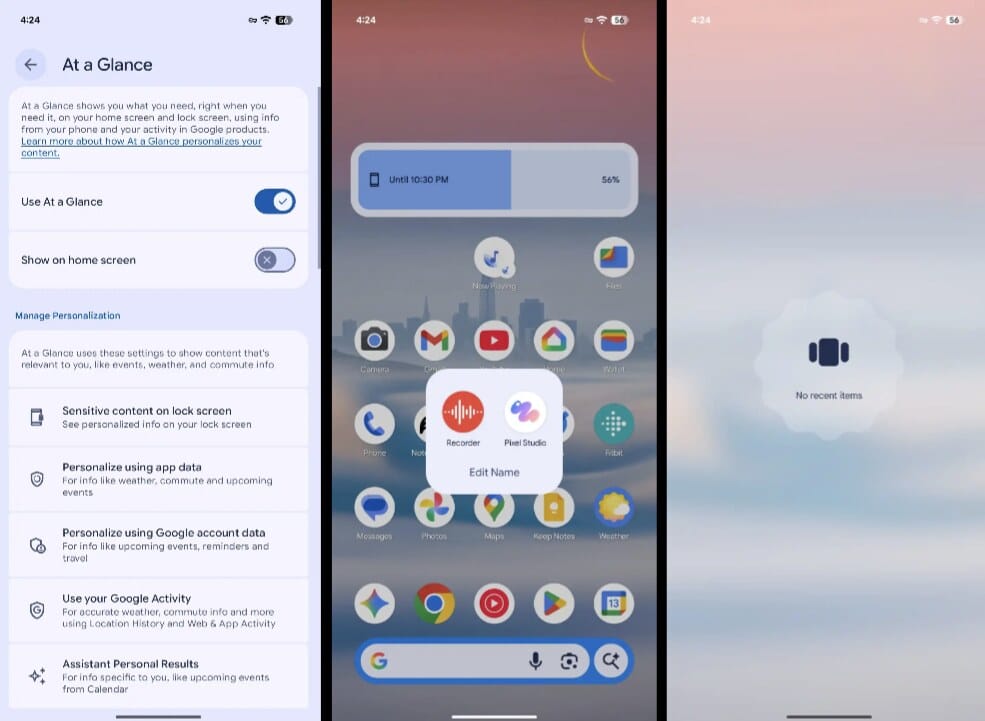
One of the biggest changes is the ability to remove “At a Glance” from the top of the home screen. To disable it, simply long-press on the home screen, go to Home settings > At a Glance, and toggle off “Show on home screen.”
Other Pixel Launcher updates include:
- New animations when opening and closing app folders
- Improved widget resizing behavior
- Themed icons renamed to “Minimal”
- Tweaks to the “Edit tiles” page
- A new “No recent items” screen in Recents when no apps are open
These changes make the interface feel cleaner and more refined.
Flashlight Strength Control and Location Indicator Update
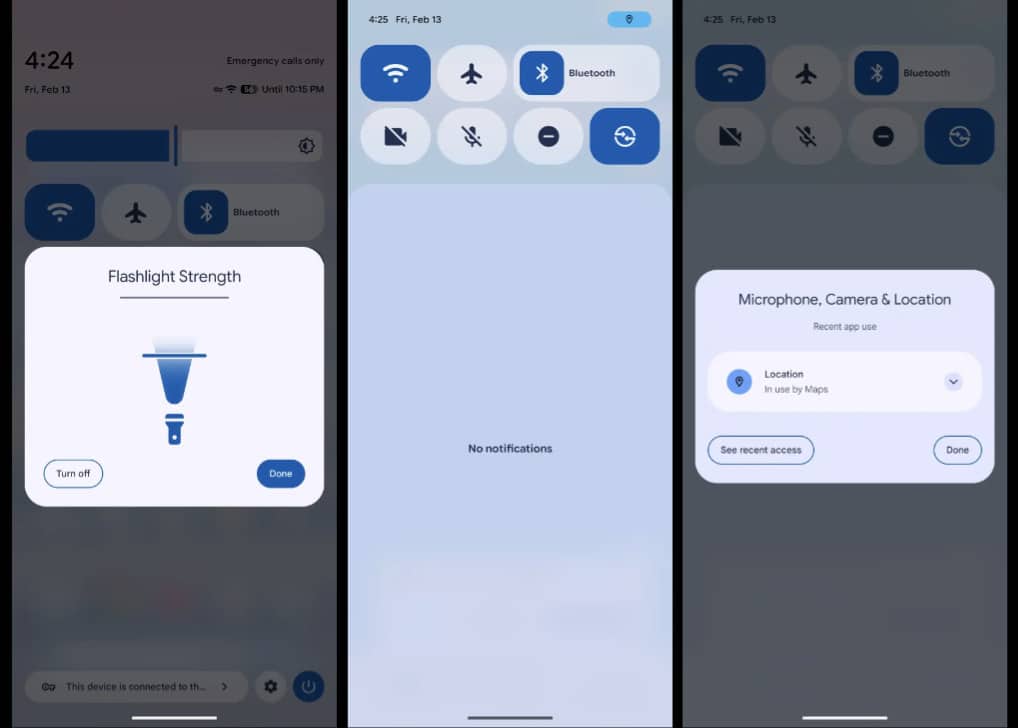
Pixel users can now adjust flashlight brightness directly from Quick Settings.
- In the 1×1 tile, long-press to access the vertical slider
- In the 2×1 tile, tap the right side to adjust brightness
Google has also updated how location access is displayed. Instead of the older icon style, a blue dot or chip is now used, matching the camera and microphone privacy indicators for a more consistent look.
Navigation Mode and Settings Changes
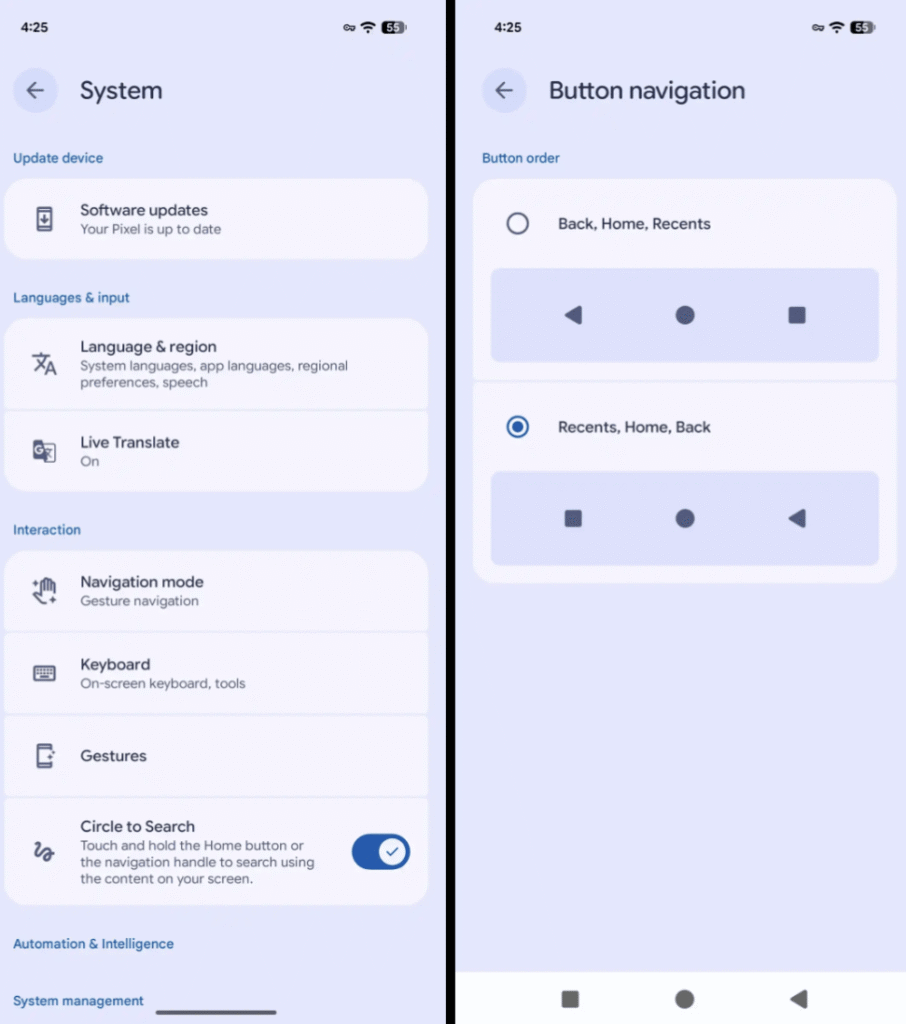
Google has reorganized the System page inside the Settings app. Users can now choose a navigation layout that mirrors Samsung’s button order: Recents, Home, Back — instead of the traditional Back, Home, Recents layout.
This option is available under Navigation mode settings, giving users more flexibility in how they interact with their device.
Desktop Experience Expands to Pixel Devices
Android 16 QPR3 further improves the desktop-style experience on Pixel devices. When connected to an external monitor, keyboard, and mouse, users can access windowed apps for a more PC-like workflow.
The Pixel Tablet also gains support for these features, making it more useful for productivity tasks.
How to Check for the Update
Google has begun a global rollout of Android 16 QPR3. If you are using a Pixel device — starting from the Pixel 6 series to the newest Pixel phone — you can check for the update by heading to:
Settings > Security & privacy > Updates > System update
The rollout may take a few days to reach all devices, depending on your region.
Android 16 QPR3 focuses on security, stability, and subtle but meaningful interface improvements — making it one of the most polished quarterly updates yet for Pixel users.
source: 9to5Google (image)
