



Google announced the March Play system update earlier this month, but never rolled it out. The rollout has started, and it seems to be a general release. If you have an Android device, you should check for the latest update and optimize your device security.
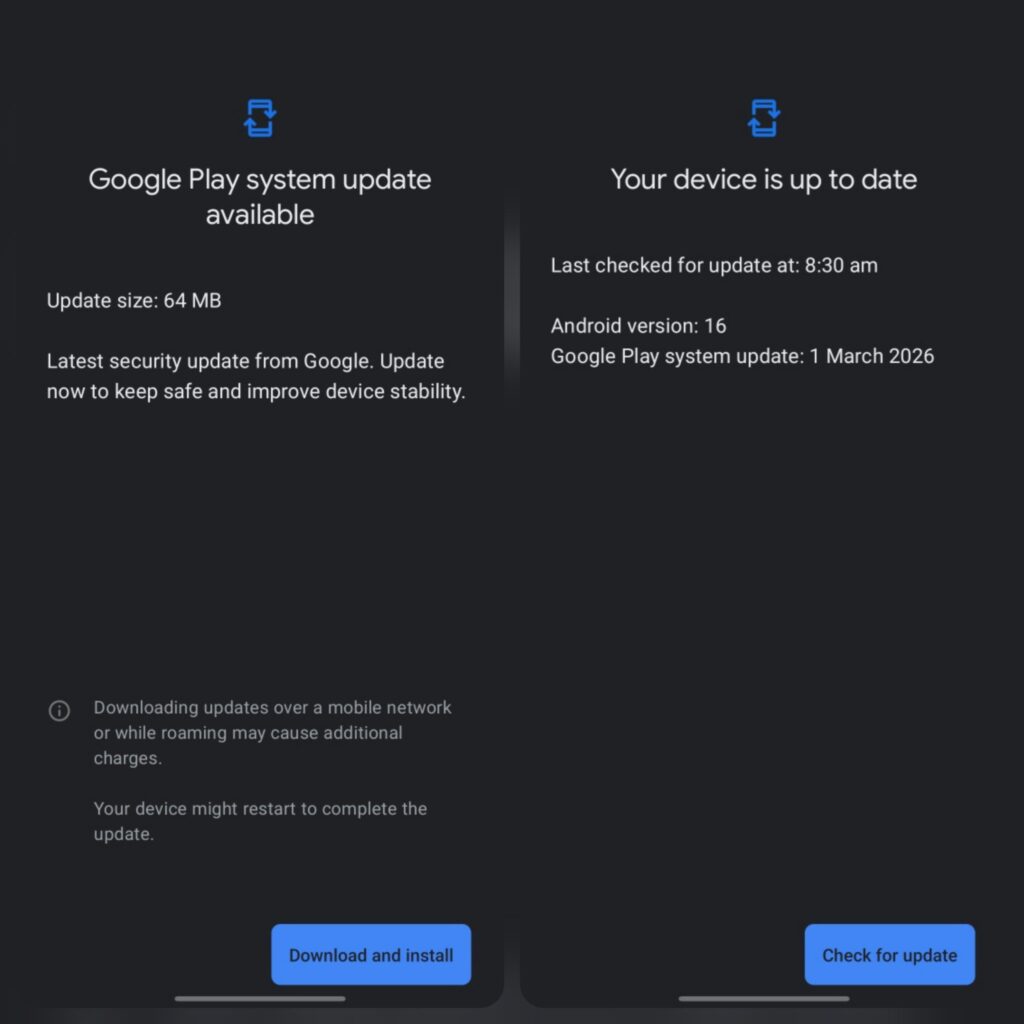
Google Play system update arrives with new features, but most times, it comes with bug fixes and optimizations. We recommend checking for this update and installing it, as it brings loads of new additions. You can check for the complete changelog here.
How to Check for the March Play System Update
If you’re using an Android device, it’s a good idea to ensure your phone is running the latest available Play system update. Keeping your device updated helps maintain security and ensures you have access to the latest improvements.
To check your Play system update:
- Open Settings on your device
- Tap your Google account name at the top (on Pixel devices, this appears under Google services)
- Go to All services
- Select Privacy & security
- Tap System services
- From there, you can check whether the latest Play system update is installed on your device.
via: Tarun Vats
