



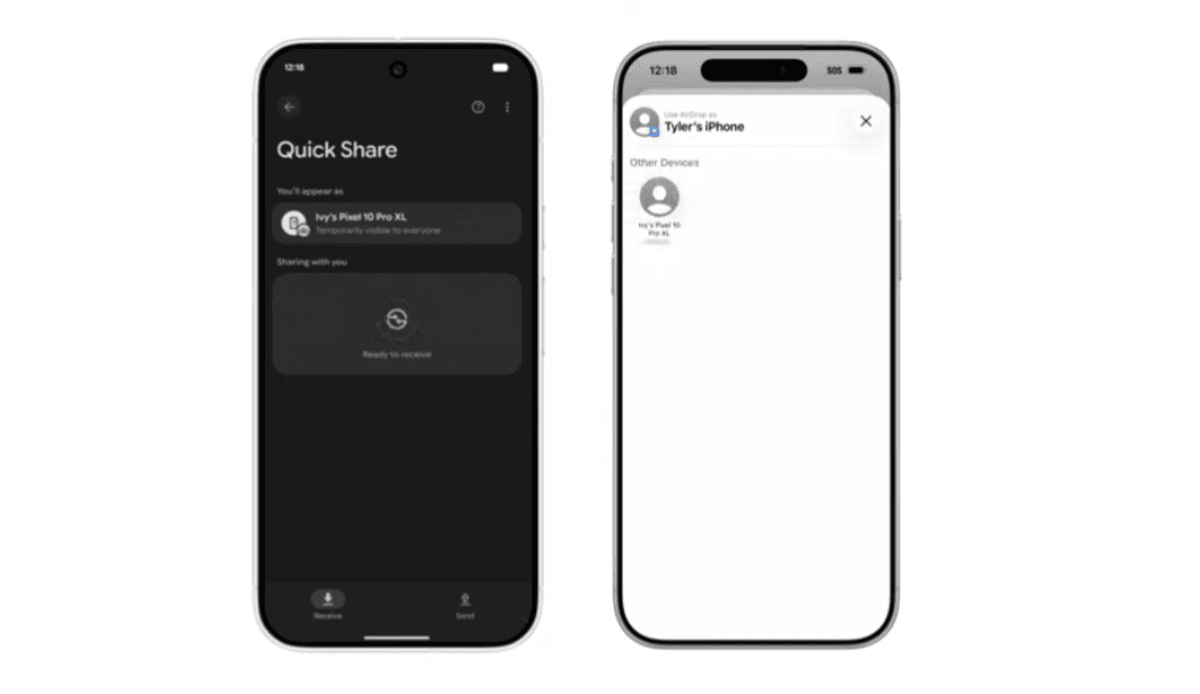
Apple’s AirDrop compatibility is gradually making its way to more Android devices. After months of limited availability, Google has now expanded cross-platform file sharing support to the Pixel 9 lineup.
Google has been working to close the ecosystem gap between Android and iOS. Following the resolution of the RCS messaging situation, the company shifted focus to seamless file sharing between Android and Apple devices. Initially limited to the Pixel 10 series, AirDrop-style sharing is now rolling out to the Pixel 9 family.
Pixel 9 Series gets AirDrop support with iPhone
The feature is now available for:
- Google Pixel 9
- Google Pixel 9 Pro
- Google Pixel 9 Pro XL
- Google Pixel 9 Pro Fold
With this update, users can send files directly from their Pixel phone to an iPhone, iPad, or Mac using Apple’s AirDrop interface.
However, the Google Pixel 9a is currently excluded from the rollout.
How to Send Files from Pixel 9 to iPhone
To transfer files from your Pixel device to an Apple device:
On the iPhone, iPad, or Mac:
- Open AirDrop settings.
- Set visibility to “Everyone for 10 minutes.”
On your Pixel phone:
- Open Quick Share.
- Look for the nearby Apple device.
- Select the device and send the file.
- The recipient must accept the transfer on their Apple device.
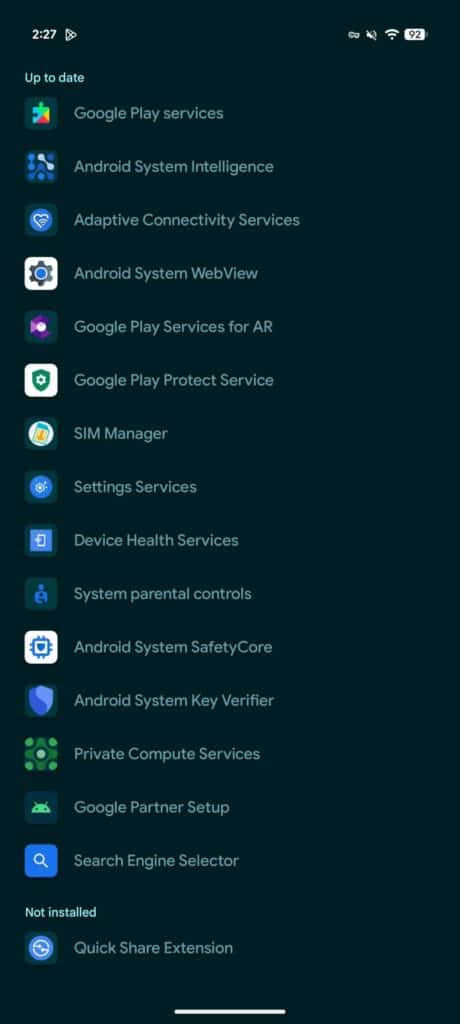
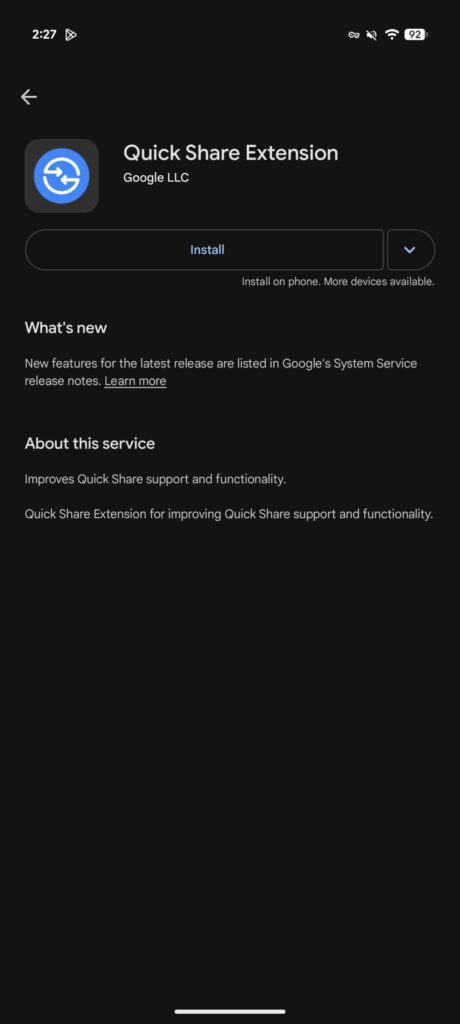
The feature requires the latest Quick Share Extension update.
How to Install the Quick Share Extension on Pixel 9
- Open the Settings app.
- Search for System services.
- Scroll to Available updates.
- Tap Quick Share Extension > Update.
Google is rolling out the feature in batches, so availability may vary by region. A wider rollout is expected in the coming weeks.
No Workarounds, Fully Peer-to-Peer
Interestingly, Google implemented this feature independently without direct collaboration from Apple. Despite that, the file transfer remains fully secure.
The connection is direct and peer-to-peer, meaning:
- Data is not routed through any server
- Shared content is not logged
- No extra data is collected
However, for features like “Contacts Only” sharing to work seamlessly, deeper integration with Apple may be required in the future.
What This Means for Android and iOS Users
Cross-platform file sharing has long been a challenge between Android and Apple devices. With this rollout, Google is making it easier for Pixel users to send photos, videos, and documents directly to iPhones without relying on third-party apps.
If you own a Pixel 9 series device, check for the Quick Share Extension update to enable the feature.
Stay tuned as support is expected to expand to more Android devices soon.
via: 9to5Google
