



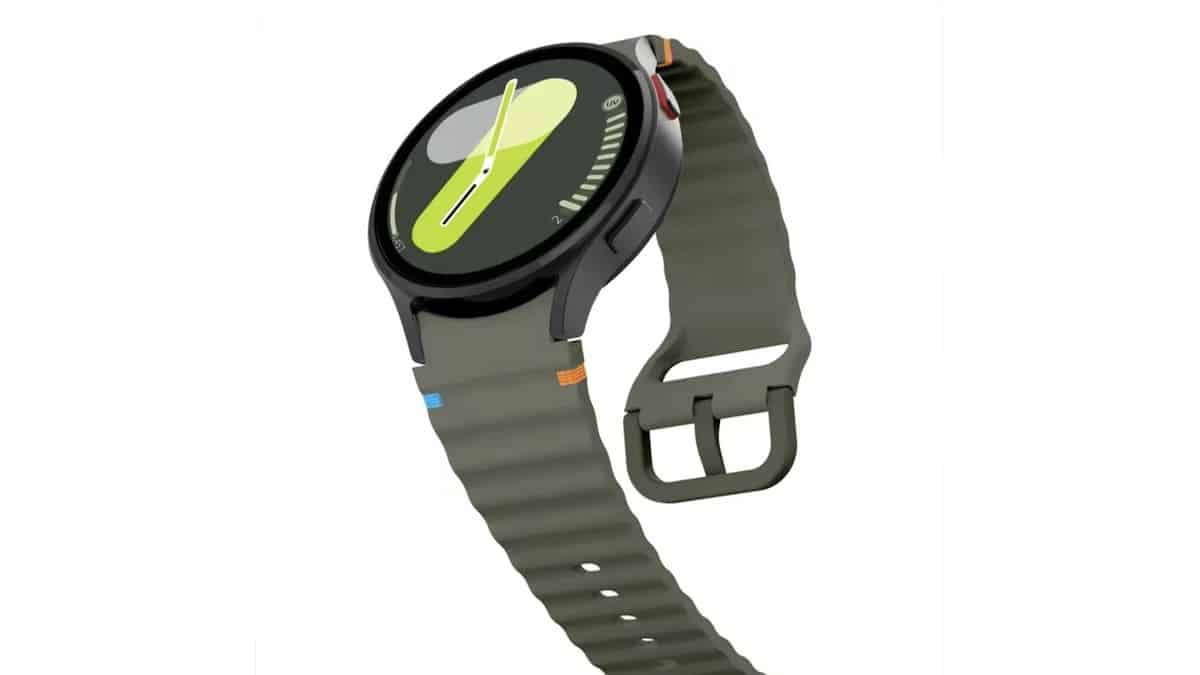
Samsung will release the stable One UI 8 Watch update in October, starting with the Galaxy Watch 7. The Korean company began a beta preview for the upcoming upgrade in June, and it seems to be in the final days of testing. With One UI 8 Watch Beta 5 rolling out, we believe next month’s release schedule is still on track.
Samsung is tipped to release the stable One UI 8 Watch update in October. If the leak is accurate, the Galaxy Watch 7 will be the first to receive the much-anticipated update. That makes sense given the Watch is currently getting a new beta update. It is a follow-up to the last release and hence, brings some bug fixes and optimizations.
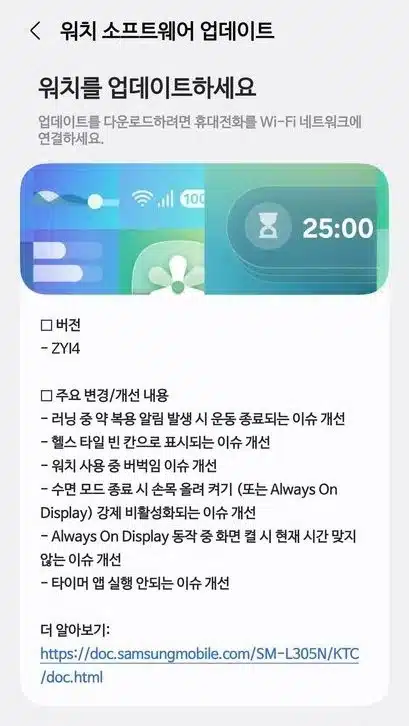
Details of Galaxy Watch 7 One UI 8 Watch Beta 5 update
Samsung has only released the update in Korea at the time of this report. It carries a firmware version ZYI4 and fixes six bugs, according to the changelog.
Complete changes
- Improved the issue where exercise would end when a medication reminder was triggered while running
- Improved the issue where health tiles were displayed as blank
- Improved stuttering issues while using the watch
- Improved the issue where raising the wrist to turn on (or Always On Display) would be forced to disable when exiting sleep mode
- Improved the issue where the current time did not match when the screen was turned on during Always On Display operation
- Improved issue of timer app not running
Only those who are part of the beta program are receiving the update. To install it, you should open the Galaxy Wearable app on your smartphone and head to Watch>>Watch software update>>Download and install.
via: SamMobile
