



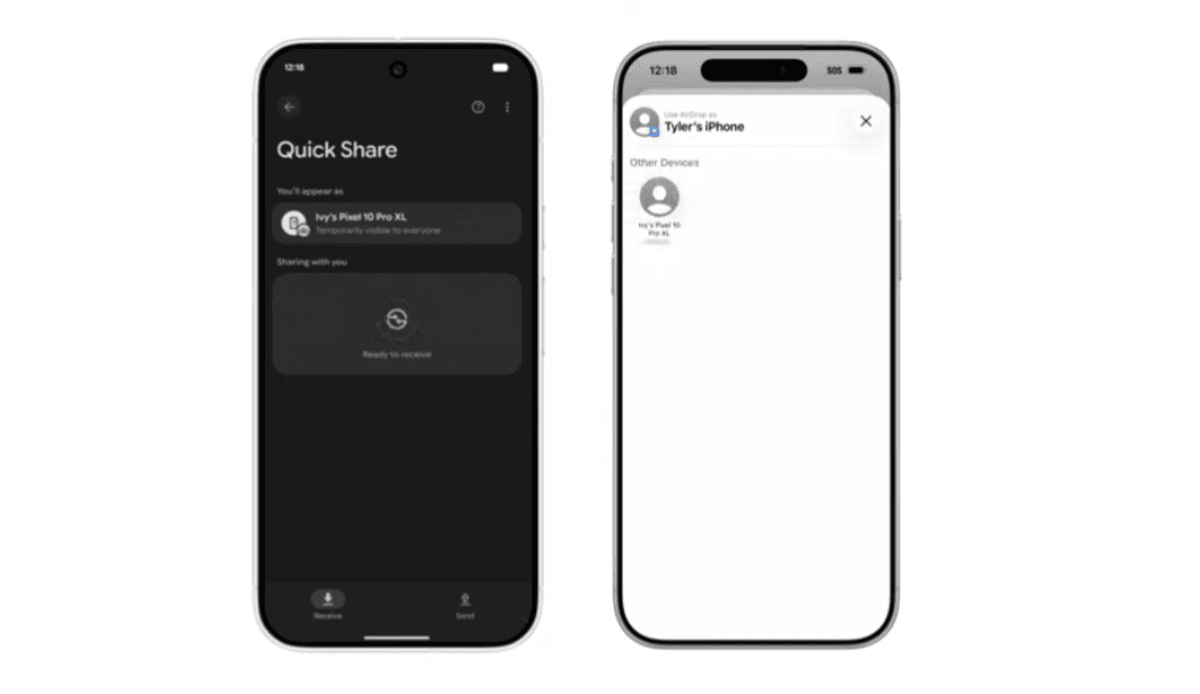
Google and Apple have been quietly working on cross-platform improvements over the past few weeks, and one of the most interesting results is now live. As announced recently, Android users can finally use AirDrop-style sharing on their phones. The feature works through Quick Share, but for now, only a limited number of Android devices support it.
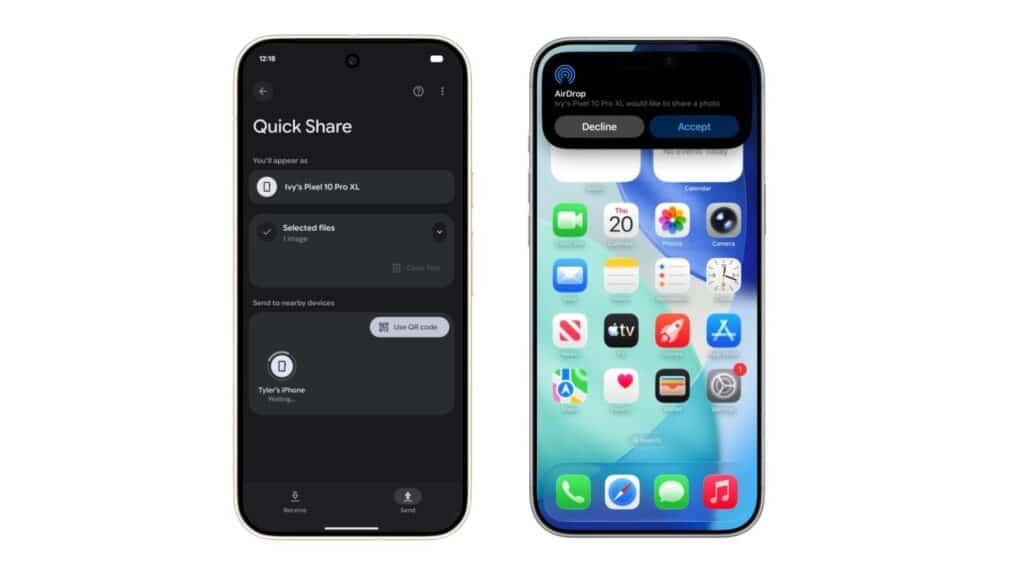
AirDrop—Apple’s seamless file-sharing system for photos, videos, and documents—has always been an iPhone-only feature. That’s starting to change. Android users can now send files to iPhones using similar technology, but currently, support is restricted to the Pixel 10 series. Google is expected to expand compatibility to Samsung and other brands later on.
The good news is that the feature works both ways. iPhone users don’t need to install anything, but Android users do. Before your Android phone can appear in the iPhone AirDrop menu, it must receive a new update.
Google is rolling out an update to the Quick Share Extension, and you can install it using the link below. Remember, it will only work on the Pixel 10, Pixel 10 Pro, and Pixel 10 Pro XL. Other devices will likely show an error.
Download the Quick Share Extension update:
After installing the update, it’s recommended that you restart your Android phone. According to reports from 9to5Google, the device only becomes visible to iPhones after a reboot. If your Android phone still doesn’t appear in AirDrop, restarting is the easiest solution.
Once everything is set up, you can share files from your Android to an iPhone. Ensure that AirDrop on the iPhone is set to “Everyone”, and Quick Share on your Android is set to the same visibility mode.
How to enable AirDrop on Android for Samsung phones
At the moment, Samsung devices are not supported. Even after installing the update, devices like the Galaxy Z Fold 7 do not appear in the iPhone’s AirDrop menu, nor do they show Pixel devices in their Quick Share list. The same limitation applies to Windows PCs as well.
For now, it seems only the Pixel 10 lineup supports Android-to-iPhone AirDrop sharing. Google may expand the feature to more devices over time.
Stay connected to our Telegram channel for updates on this feature and other Android improvements.
