



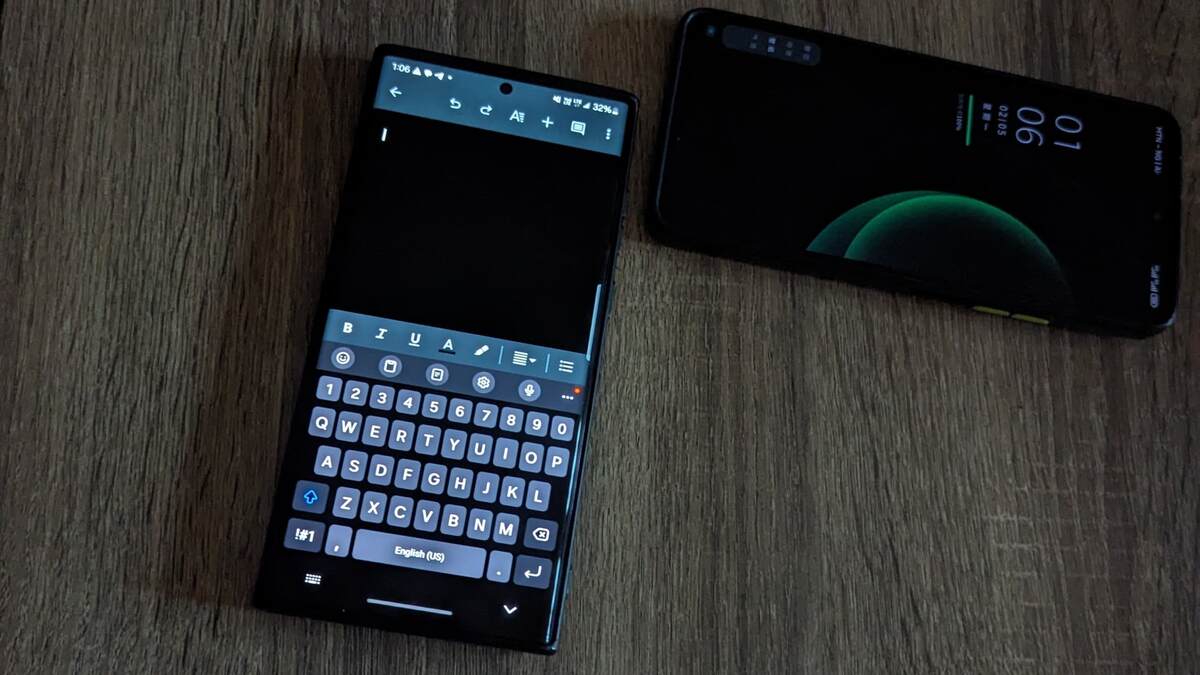
The Redmi Note 14 Pro+ 5G was one of the first Xiaomi phones to receive the stable HyperOS 3 update, which also upgraded the phone to Android 16. The update has been smooth for many users, but a new issue has recently been reported — the Redmi Note 14 Pro+ 5G Keyboard keeps popping up on its own.
At first, many people thought the problem came from the HyperOS 3 update. However, Xiaomi has confirmed that the issue is caused by a malicious app, not the update itself.
What Xiaomi Found
Xiaomi releases weekly bug reports to show the issues affecting HyperOS devices. In the latest report, the company discovered that a harmful app from the App Store is responsible for the keyboard bug. This app has already been removed from the store, but users who installed it must uninstall it manually.
According to Xiaomi:
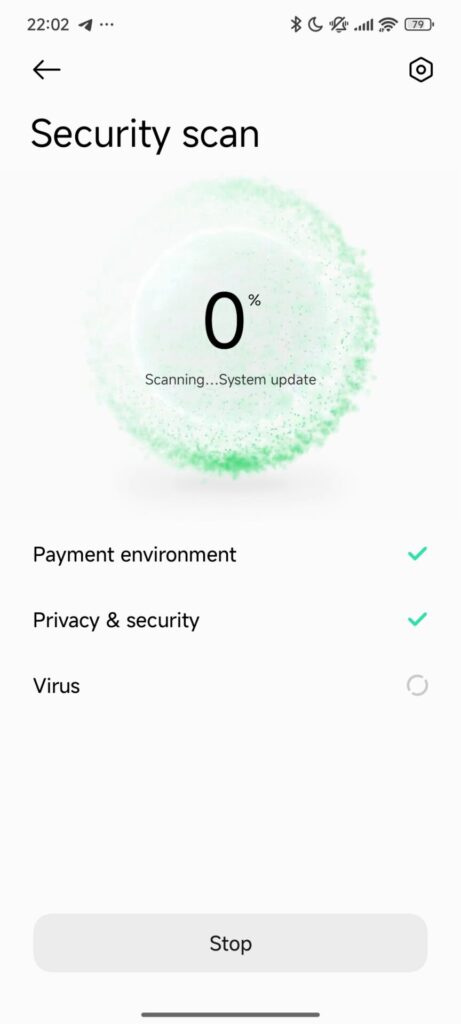
The issue is caused by third-party malicious apps, especially one called “tf.tap.fame”, which hides its icon and runs in the background. Users should run a full scan in the Security app and remove any harmful apps found.
How to Fix the Redmi Note 14 Pro+ 5G Keyboard Bug
Only users running OS3.0.2.0.WOPMIXM are affected. If your phone has not yet updated to HyperOS 3, you don’t need to worry.
If your keyboard keeps opening by itself, follow these steps:
- Open the Security app on your phone
- Run a full system malware scan
- Look for the malicious app tf.tap.fame
- Uninstall the app immediately
- Restart your phone after uninstalling it
This should fix the Redmi Note 14 Pro+ 5G Keyboard issue.
If the problem continues, you may need to perform a factory reset. Make sure you back up your important files before doing this.
For more details, you can check Xiaomi’s official post: here
