



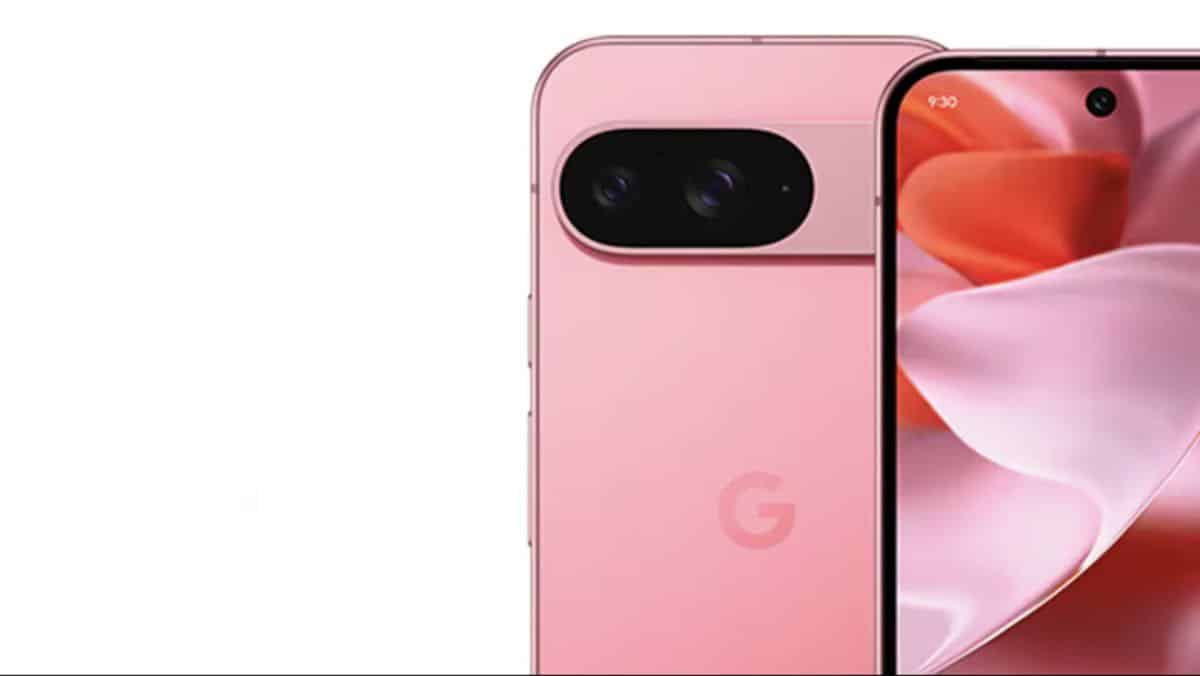
Following the release of the stable Android 16 QPR2 update earlier this month, Google has officially begun rolling out Android 16 QPR3 Beta 1. This marks the third and final Quarterly Platform Release (QPR) in the Android 16 lifecycle, paving the way for the next major Android version ahead of its stable release in March 2026.
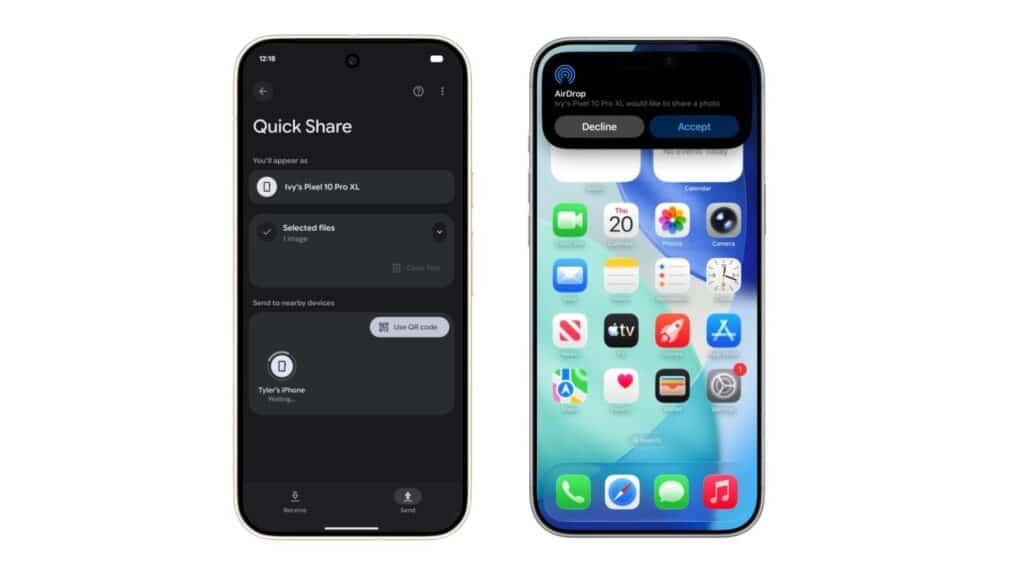
As expected, the update is available to eligible Pixel devices starting from the Pixel 6 series. However, users must be enrolled in the Android Beta Program to receive the OTA update, unless they prefer to install it manually. We recommend trying the beta build, as it introduces several new features, performance optimizations, and bug fixes—giving users an early look at what’s coming before the public rollout.
What’s New in Android 16 QPR3 Beta 1
Google continues to use Quarterly Platform Releases as a way to deliver new features without waiting for a full Android version upgrade, and Android 16 QPR3 Beta 1 is no exception. The update introduces a mix of new features and quality-of-life improvements for Pixel users.
Some additions are developer-focused and may not reach end users. However, one of the most anticipated changes is the introduction of updated PowerVR GPU drivers for the Pixel 10 series. The driver version has been upgraded from 1.602.400 to 1.634.2906, which reportedly resolves long-standing compatibility issues, particularly with games like Genshin Impact.
Other notable improvements include:
- New folder opening and closing animations
- Tweaks to the Edit Tiles screen in Quick Settings
- A redesigned three-button navigation layout, similar to Samsung’s implementation
- Adjustable flashlight brightness
- Option to remove the At a Glance widget from the home screen
- Enhancements to the Always-On Display (AOD)
Eligible Pixel Devices
Android 16 QPR3 Beta 1 is rolling out to the following Pixel devices:
Pixel 10 Series
- Pixel 10
- Pixel 10 Pro
- Pixel 10 Pro XL
- Pixel 10 Pro Fold
Pixel 9 Series
- Pixel 9
- Pixel 9 Pro
- Pixel 9 Pro XL
- Pixel 9a
Pixel 8 Series
- Pixel 8
- Pixel 8 Pro
- Pixel 8a
Pixel 7 Series
- Pixel 7
- Pixel 7 Pro
- Pixel 7a
Pixel 6 Series
- Pixel 6
- Pixel 6 Pro
- Pixel 6a
Other Devices
- Pixel Fold
- Pixel Tablet
How to Install Android 16 QPR3 Beta 1
The easiest way to get Android 16 QPR3 Beta 1 is by enrolling your device in the Android Beta Program. Once enrolled, the update should arrive via OTA shortly.
Alternatively, advanced users can manually install the update using Google’s official flashable OTA images, available at the link below:
https://developer.android.com/about/versions/16/qpr3/download-ota
Before installing, be sure to follow Google’s official instructions carefully. Also note that downgrading from the beta to the stable build will require a full device reset, so proceed with caution.
