



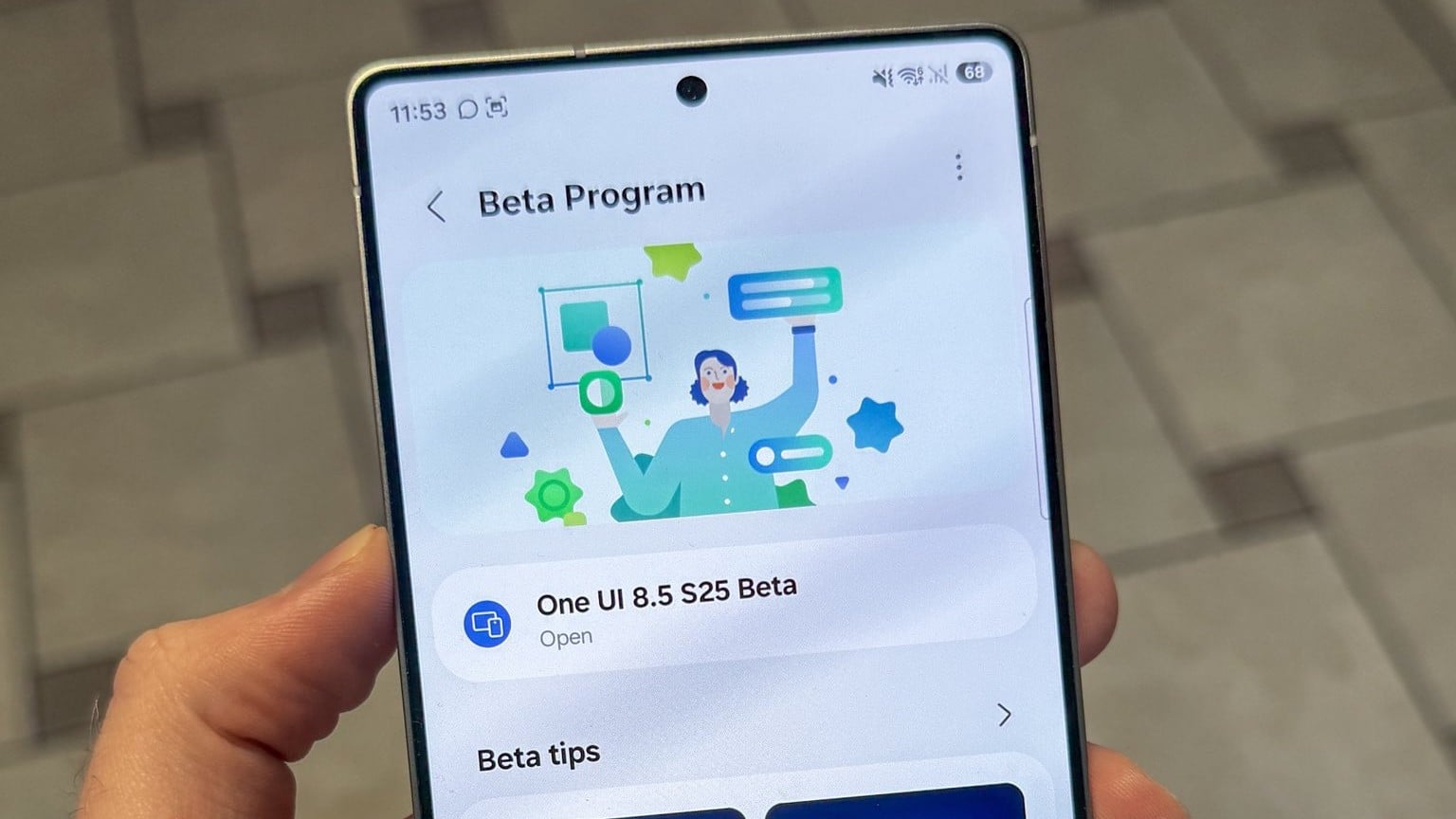
Samsung has begun rolling out a new beta update for the Galaxy S25 series. It’s the second-to-last beta tele before the stable rollout. As expected, the update has finally brought support for AirDrop, which starts working after installing the upgrade on your Galaxy S25 series phone.
Early reports suggest Samsung will enable support for AirDrop for the Galaxy S25, Galaxy S25+, and Galaxy S25 Ultra with the next beta update. The rollout has now started, and according to the changelog, the update has enabled support. After installing the update, you can start sharing files with iOS devices seamlessly.
Details of the Galaxy S25 One UI 8.5 Beta 9 update (support for AirDrop)
Depending on your region, the update comes as either Beta 8 or 9. For most regions like Germany, Korea, and the UK, the Galaxy S25 One UI 8.5 Beta 9 is rolling out for devices in these countries.
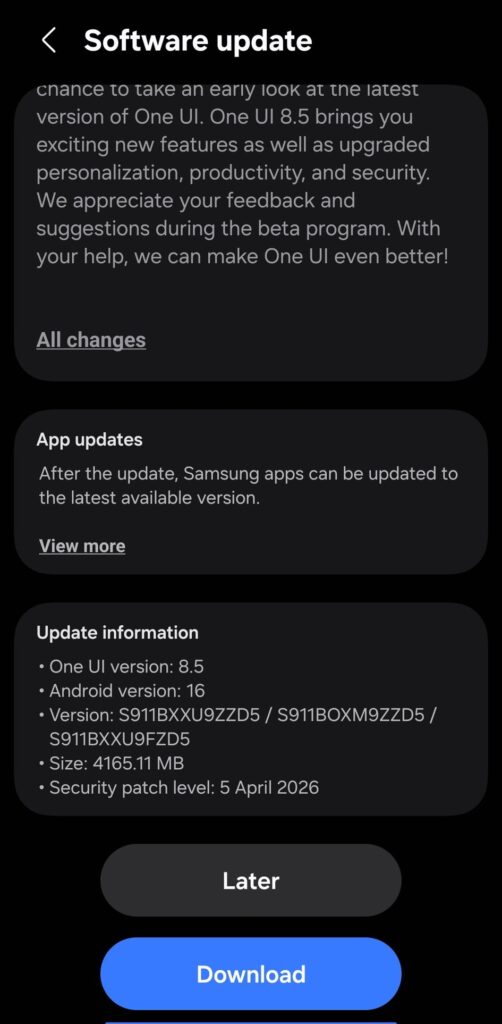
The update is rolling out with a firmware version ending with ZZD5 and weighs about 865MB. Aside from the new features, there are loads of bug fixes and optimizations. We recommend installing the update when prompted, as it brings the device close to a stable upgrade.
Bug Fixes
- Support for AirDrop connections with Apple devices
- 3 new camera filters applied (Classic Film, Pop Film, Blanc)
- Improved the issue where the Bluetooth connection would periodically disconnect and reconnect
- Improved the issue where the top of the notification card would be cut off
- Improved the issue where the screen would flicker and colors would be distorted when changing the zoom level during dual recording
- Improved the stuttering issue when accessing gallery albums under certain conditions
- Improved the issue where the
- AOD time information was displayed incorrectly in certain situations
- Improved notification card UL during device rotation
- Improved the issue where the lock screen would briefly appear during an incoming call before switching to the call screen
Meanwhile, the update has delivered the April 2026 security patch to increase security. If you are in any of these regions and are currently receiving the upgrade, you can check for it via Settings>>Software update>>Download and install.
via: Tarun Vats
