



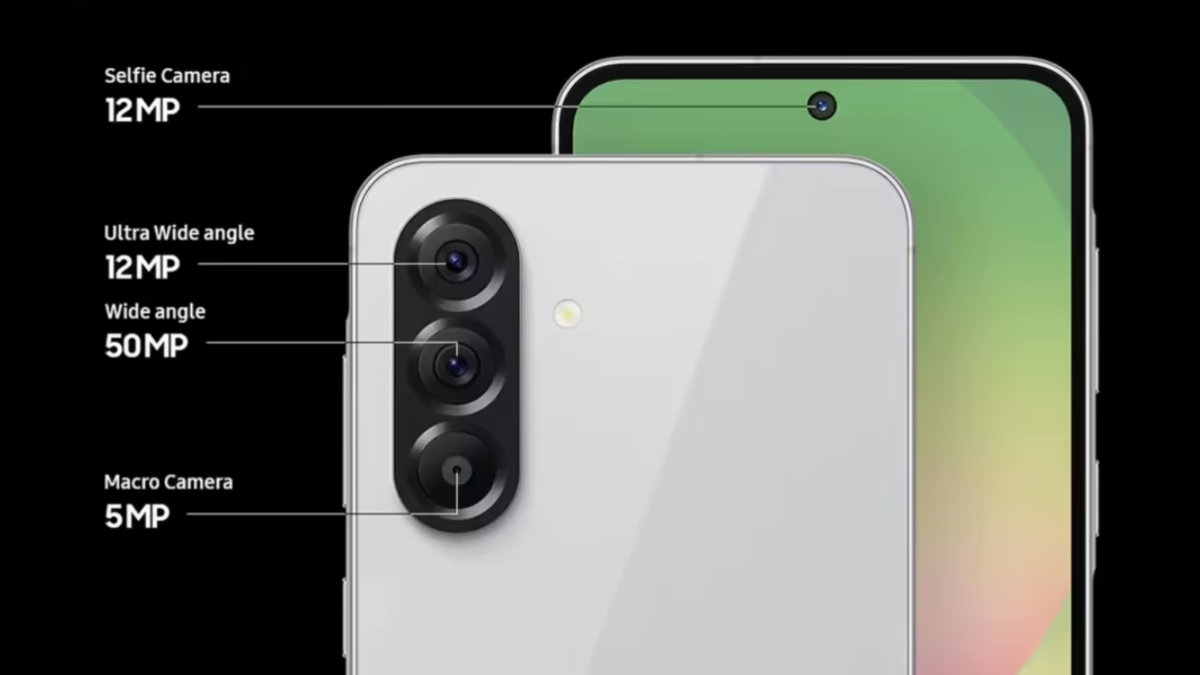
Samsung has begun rolling out the stable One UI 8.5 update to the Galaxy A56 to everyone. The release was initially limited to a few regions, but we understand the global rollout has started, which means you can install the build irrespective of where you are.
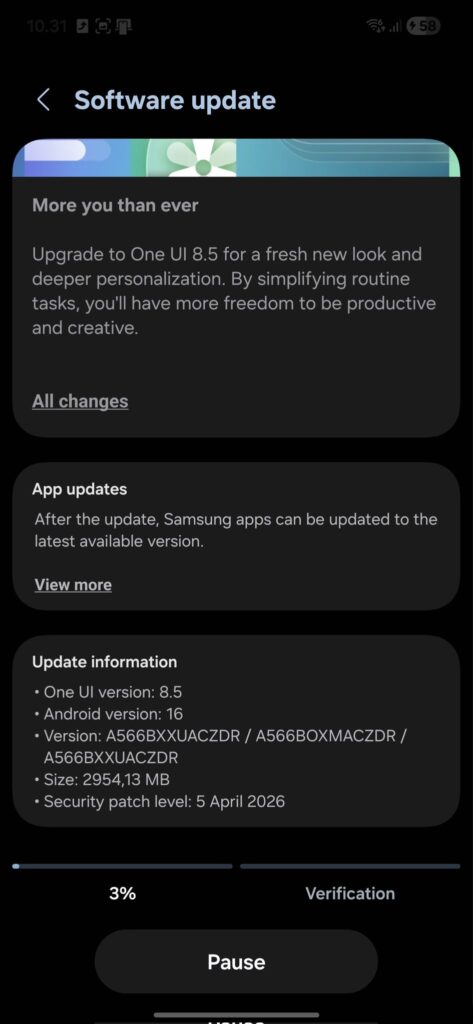
Samsung is rolling out the update with a firmware version A566BXXUACZDR. The update size is about 3GB, which suggests it has substantial features but below what was delivered to flagship phones with the same update. One of the most talked-about additions, “AirDrop support via Quick Share,” is not part of the upgrade for the Galaxy A56. However, there are loads of new features, and we recommend installing the upgrade when prompted.
How to install Galaxy A56 stable One UI 8.5 update and the features
To install the Galaxy A56 stable One UI 8.5 update, head to Settings>>Software update>>Download and install. Follow the screen prompt to complete the download and reboot your device once it finishes downloading to complete the installation.
Meanwhile, it will take some time for the rollout to get to all eligible phones. Updates like this are released in batches to contain any major issues that might arise, but everything seems smooth so far. Perhaps more people will receive the update in the coming days.
After installing the update, you will notice a revamped visual design with transparent blur effects and floating UI elements. Samsung has optimized Bixby, making it smarter to understand natural language and let users check past conversation history easily.
There have been some improvements to the lock screen, with the automatic layout adjustment for people and pet wallpaper being the most talked about: more clock customization options, new downloadable interactive wallpapers, and more. The stable One UI 8.5 for the Galaxy A56 improved connectivity with storage sharing across Samsung devices, Auto Hotspot enhancements, and faster Smart View connections.
via: SamMobile
