



Google recently released a new Android Auto update in the beta channel, and it is expected to roll out to everyone in the coming days. However, the stable release is likely to be delayed given the volume of bugs we have seen since the update rolled out. These bugs have to do with the connection and the Gemini Assistant.
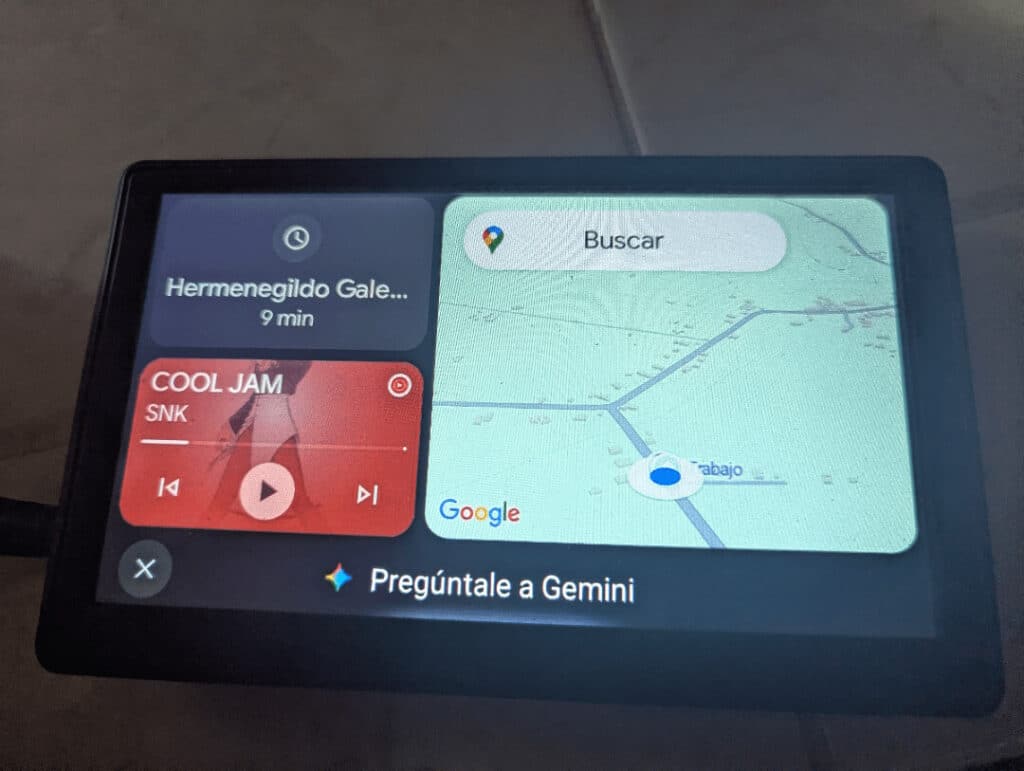
New Android Auto bugs: Connection and Gemini issues
Connection is probably the most reported issue among Android Auto users. Google recently acknowledged the problem and promised a fix, and it seems they have rolled it out. The latest problem started after a recent Android Auto update, but it is exclusive to a particular type of user. According to reports, those with factory-fitted Android Auto head units are not affected by the recent connection problem. However, if your car is upgraded with Android Auto support using a third-party external screen, the frequent disconnection persists.
We understand the problem did not start after the latest Android Auto 16.7 update, but it does not fix the bug. Hence, if you are already facing the problem, updating the app to the latest version will not solve the problem. However, switching to a wired connection will ensure Android Auto continues working as it should. Unfortunately, if your car head unit does not come with a USB port, there is currently no workaround, as downgrading to an older version of Android Auto does not help.
Google is currently investigating the problem and will likely release a fix in the future. Unfortunately, we do not know when it will happen, but it will likely be part of the next release. You should follow our channel on Telegram for when the update starts rolling out.
Additionally, a recent report has also started surfacing, which seems to force Android Auto users back to Google Assistant. Google recently released Gemini to more people, replacing the traditional Assistant, but the new update seems to be forcing people back to the old one. Unlike the connection issue that started since, the issue with Gemini was triggered by the Android Auto 16.7 update. All reports say it started after updating the app to the latest version, and nothing is working to resolve it.
However, one user seems to have found a way around it. By going into the Android Auto settings, and opening the digital assistant section, switch from Gemini to Google Assistant and then back to Gemini. This method has been confirmed to work by other users, but it may take time before everything starts working properly again.
If you are facing the issue, we recommend trying the method at least to resolve it for now, as Google has acknowledged the issue and promised to do something. It is likely to come with the next release, perhaps the reason you should follow us on Telegram to get notified when a fix starts rolling out.
One user says they restored Gemini by going into Android Auto settings, opening the digital assistant section, switching from Gemini to Google Assistant, and then switching back to Gemini. Another user confirmed this worked, but it may take more than a day of waiting for things to sync. That delay suggests this may involve a server-side or account-sync component rather than a simple local app setting.
