




Google has been working on a seamless solution for sharing files between Android phones. The tech company recently released AirDrop support via Quick Share, which is currently limited to select users, mostly premium phones. Unfortunately, Google will limit the support to select phones, but with the latest development, it is still possible to share files from Android to iPhones.
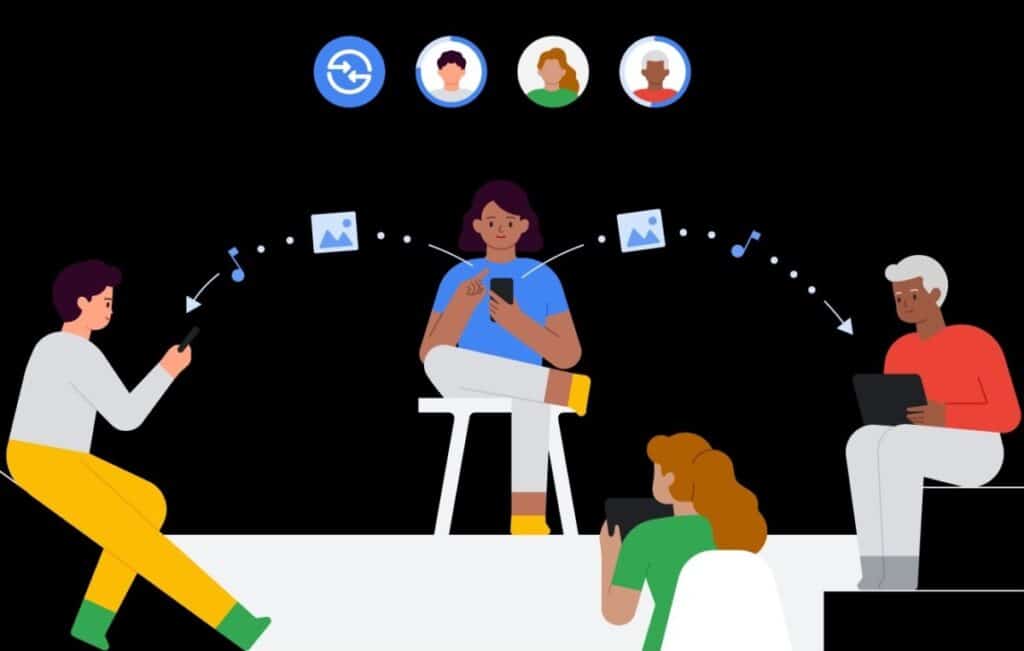
According to a report, Google is working on a new feature, which will be integrated into Quick Share. It will allow seamless file sharing between Android and iPhones. Interestingly, the technique is different from all we have seen so far. To share files using this method, Android users will send files to iOS devices using a QR code.
How to share files from Android to iPhone using QR Code
Perhaps Google is making up for devices that miss out on the AirDrop interoperability or those yet to receive the function. According to Google, the new QR code-based method will serve as an alternative. iOS users can scan a code with their devices to quickly access and download the shared files.
Unfortunately, the feature has yet to start rolling out, but the company is optimistic it will be available by the end of June. This was confirmed during the Android Show: I/O Edition earlier this week. Apparently, when an iPhone user scans the QR code with their camera app, the selected files are securely uploaded to the cloud and delivered through a private download link.
The files transferred using this method are protected with end-to-end encryption and remain available for download for 24 hours. Unfortunately, the generated link cannot be shared with others. We will see how the new method of sharing files from Android to iOS will work when it becomes available.
via: Google
